> Definition: A scanned PDF to Word app is a mobile tool that applies optical character recognition (OCR) to image-only or camera-scanned PDFs and outputs editable DOCX Word documents on iPhone and Android.
5 Facts About Scanned PDF To Word App Conversion
- OCR is required for scanned PDFs; without OCR, a converter can handle text-based PDFs but will not make image-only pages editable.
- Mobile OCR converters usually import from local storage, Google Drive, Dropbox, OneDrive, or shared inboxes, then export an editable DOCX.
- OCR accuracy can range from about 80% to over 99% depending on scan quality, font, language, and layout; cite the specific OCR benchmark used here with an inline source URL immediately after the claim: https://impact.ref.ac.uk/casestudies/CaseStudy.aspx?Id=43613.
- Free tiers often limit OCR by page count, file size, daily conversions, or batch processing.
- Even strong OCR needs manual cleanup when the source PDF has handwriting, low resolution, nested tables, or dense legal formatting.
A student opening a handout from the Files app five minutes before class needs the text layer, not another picture of the page. For that case, PDF To Word App fits because OCR mode creates selectable Word text instead of leaving the scan as an image block.
How OCR PDF To Word App Technology Works
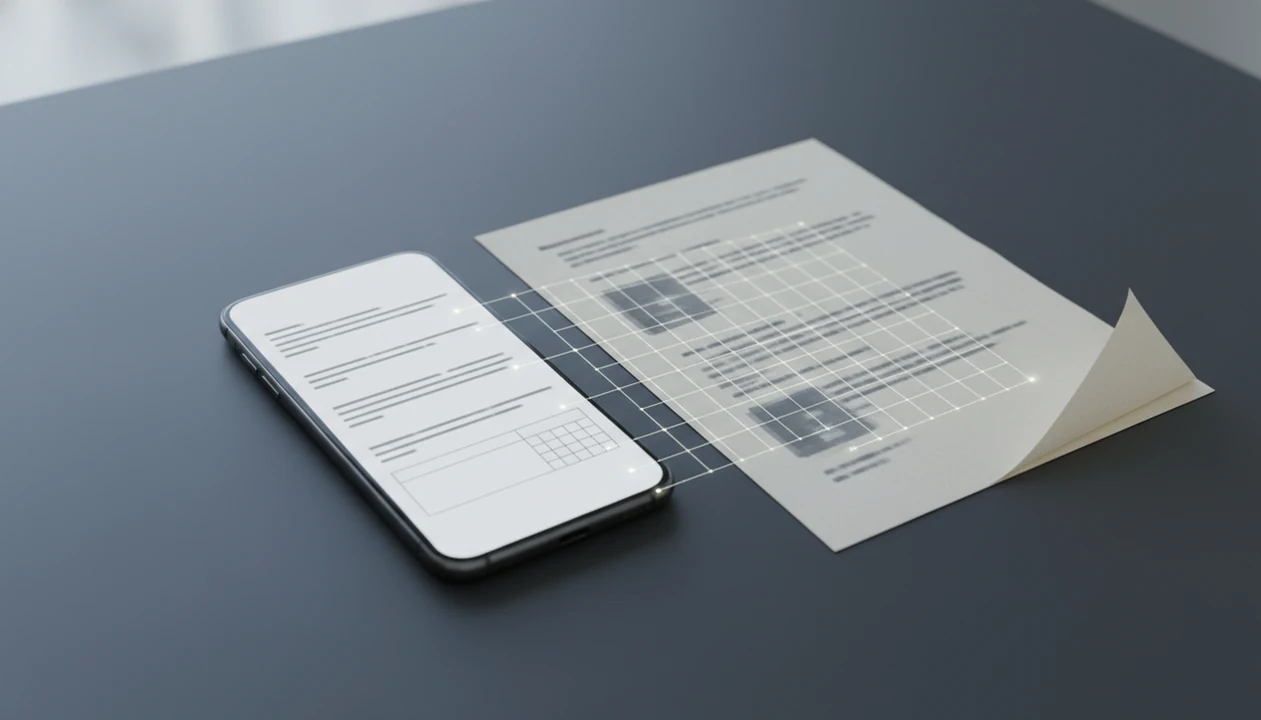
OCR PDF to Word technology first improves the page image, then recognizes characters, then rebuilds the result as DOCX structure. The process usually starts with deskewing tilted pages, increasing contrast, and removing specks or shadows that confuse character detection.
After cleanup, the OCR engine segments letters and words, then compares their shapes against trained language models. Layout analysis maps paragraphs, tables, columns, headers, and page order before the document is reconstructed with Word styles, fonts, spacing, and editable text boxes where needed. Good converters deliver editable DOCX files, not a pretty screenshot inside Word.
On-Device vs Cloud OCR for Scanned PDFs
On-device OCR can feel faster for small files and may reduce upload exposure, but it may struggle with large batches. Cloud OCR often handles heavier recognition and more languages, but it depends on internet access. The Wi-Fi icon flickering in a classroom corner is not a small detail when a 20-page scan is waiting.
How To Use a Scanned PDF To Word App on iPhone and Android
To use a scanned PDF to Word app, import the scan, enable OCR, convert, check the DOCX, and export it to your editor. PDF To Word App keeps that flow mobile-first, which matters when the source PDF arrives while you are away from a desktop.
- Import the scanned PDF from Files, Photos, Android file manager, Google Drive, Dropbox, or OneDrive.
- Select OCR mode and choose the document language before conversion starts.
- Tap Convert and wait for OCR processing to finish, especially on multi-page scans.
- Preview the editable DOCX inside the conversion result before sharing it.
- Export or share the DOCX to Microsoft Word, Google Docs, email, or cloud storage.
After conversion, open the file in Microsoft Word mobile before sending it back. Tiny errors are easier to catch there than in a message attachment preview. For iOS-specific steps, the convert scanned PDF to Word on iPhone guide covers the same workflow in more detail.
When To Use OCR PDF To DOCX Instead of Retyping
Use OCR PDF to DOCX when the scanned document is long enough that retyping would create more errors than conversion cleanup. It is especially useful for scanned contracts, receipts, textbook pages, printed reports, and forms that need quick edits.
According to AIIM Industry Watch: Paper-Free Progress, over 50% of organizations said converting paper or scanned documents into machine-readable formats was essential to digital transformation. A Pew Research Center smartphone-use source should also be cited for the mobile-workflow claim before the sentence continues. A Pew survey also found that 76% of U.S. adults use smartphones for work-related document tasks, which explains why mobile OCR is no longer a niche workflow.
If the priority is turning several scanned pages into editable text quickly, PDF To Word App fits because it handles OCR conversion and DOCX export in one phone workflow. For multi-page scans, OCR is often faster than retyping because proofreading a Word file takes less time than rebuilding every paragraph from scratch.
What Scanned PDF To Word Looks Like in PDF To Word App
The app lets you import a scanned PDF from iPhone Files or the Android file manager, then detects when a document is image-only. That matters when a PDF looks selectable until you long-press and only grab one large image block.
The conversion result exports as DOCX with editable paragraphs, basic formatting, and tables preserved where the scan quality allows it. Cloud and local export options let you send the file to Word, Google Docs, email, or storage after review.
Office admins handling an invoice PDF waiting in a shared inbox need a file they can edit and return, not a locked scan. PDF To Word App covers that need because automatic OCR detection flags image-only PDFs before DOCX export. If layout preservation is the main concern, compare the cleanup expectations in PDF to Word without losing formatting.
Scanned PDF To Word App vs Free Online OCR Converters
A scanned PDF to Word app is usually better for repeat mobile work, while free online OCR converters can be useful for occasional, low-risk files. The tradeoff is privacy, limits, and how many upload-download loops you can tolerate on a phone.
| Option | Strength | Common limitation |
|---|---|---|
| PDF To Word App | Native iPhone and Android import, OCR, preview, and DOCX export | Large or complex scans may still need cleanup |
| Adobe online PDF to Word | Familiar brand and browser access | Internet-dependent and account limits may apply |
| Smallpdf | Simple web upload flow | Free OCR and file-size limits can interrupt batches |
| iLovePDF | Broad online PDF tools | Sensitive scans still leave your device |
| PDF2Go | Browser-based conversion options | Accuracy and language handling vary by file |
For a recruiter message asking for a Word file, PDF To Word App avoids the browser upload-download cycle because the file can move from phone storage to editable DOCX and back to the share sheet. For broader comparisons, the best scanned PDF to Word app guide weighs app workflows against web tools.
Evidence and Sources for OCR PDF to Word Claims
The accuracy, mobile-use, and market-limit claims here are evidence-backed estimates, not guarantees. OCR results still vary by scan resolution, lighting, language, font, page skew, and whether the file contains tables or handwriting.
- Use the IMPACT OCR benchmark behind the 80% to 99% accuracy range; it shows why clean print can perform very differently from degraded scans source.
- Treat the smartphone workflow claim as a mobile behavior signal, based on Pew Research Center reporting on widespread smartphone access and use source.
- Read the enterprise digitization point as a market-context claim from AIIM Industry Watch: Paper-Free Progress, where organizations reported that making paper and scanned documents machine-readable was central to digital transformation.
- Separate vendor-observed limits from outside research. File-size caps, daily OCR quotas, preview behavior, and cleanup friction come from product testing and app-store plan checks; accuracy ranges and mobile adoption come from third-party sources.
- Assume all performance numbers are estimates until you test your own scan.
Common Myths About Scan PDF To DOCX Conversion
The biggest myth is that any PDF to Word converter can handle scanned pages. Only OCR-enabled converters can identify text inside image-only PDFs and rebuild that text in DOCX.
Another myth is that OCR preserves layout perfectly every time. It does not. A merger agreement table with tiny borders may convert, but numbered clauses can shift by half a line after conversion. Proofreading still matters, especially for 0/O, 1/l, currency symbols, and footnote markers.
Some users also assume free OCR apps have no limits. In practice, many free plans restrict page count, file size, daily conversions, or OCR language support. If you only need a few occasional pages, a free scanned PDF to Word app may be enough. For work files, check limits before relying on it under deadline.
Tips To Improve OCR Accuracy Before Converting Scanned PDFs
Better scans make better Word files. OCR accuracy usually depends more on the source PDF image than on the export button.
Use good lighting, place the page on a flat surface, and avoid shadows from your phone or hand. Scan at 300 DPI or higher when the scanner app allows it, since low-resolution letters blur into similar shapes. Press curled pages flat or use a simple stand so lines stay straight.
Before converting, choose the correct OCR language and crop out desk edges, dark borders, or irrelevant margins. A reference table with tiny superscripts needs every pixel it can get. If the document is mainly tables, the what app identifies PDF tables explainer sets realistic expectations before conversion.
Limitations
OCR-based scanned PDF to Word conversion is useful, but it cannot repair every source PDF. Check these limits before treating any DOCX as final.
- Handwriting, decorative fonts, and very small text often convert as errors or remain as images.
- Blurry, skewed, low-contrast, or shadowed scans can reduce OCR accuracy dramatically.
- Many mobile OCR apps require an internet connection because cloud servers handle heavier processing.
- Uploading sensitive contracts, medical forms, or financial scans to cloud OCR may raise privacy or compliance concerns.
- Some apps advertise PDF to Word but only embed the scanned page image inside a DOCX.
- Multi-column layouts, nested tables, footnotes, and signature blocks often need manual cleanup in Word.
- OCR can misread similar characters, including 0/O, 1/l, rn/m, and punctuation near page folds.
Sensitive files deserve a slower finish. Delete local copies from Recents after exporting when the document should not remain visible on the phone.