PDF To Word App Privacy For Uploaded Documents
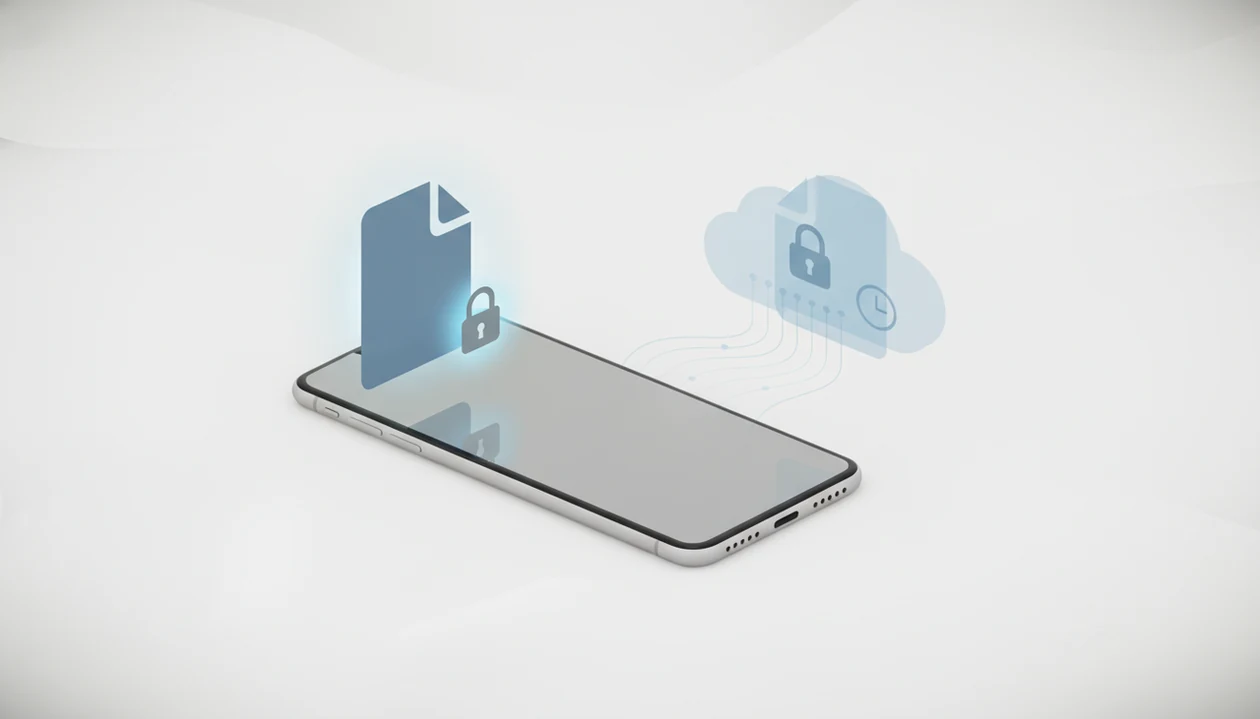
PDF to Word app privacy is about whether your PDF stays on your device or is uploaded, how long converted files are retained, who can access them, and how you can delete or control the data. This matters because uploaded documents may include contracts, IDs, medical records, financial forms, and other sensitive content.
> Definition: A PDF-to-Word converter turns a PDF into an editable DOCX file. Privacy depends on whether the file is processed locally on the device or uploaded to a server for conversion.
TL;DR
- The most important privacy question is whether PDF conversion happens on-device or on cloud servers.
- A trustworthy PDF converter privacy policy should state retention periods, deletion methods, third-party access, analytics collection, and user controls.
- Privacy labels and short app store summaries are useful, but they do not replace a document upload privacy policy that explains what happens to file content.
PDF to Word App Privacy Policy Coverage For Uploaded Documents
A PDF to Word app privacy policy should cover the source PDF, the converted DOCX, file metadata, account data, device identifiers, analytics events, support messages, and deletion requests. Document upload privacy is narrower, and often more sensitive, than general personal data privacy.
A name and email address matter. So does the contract clause you uploaded at 11:40 p.m.
A strong policy separates ordinary app data from file content because PDFs may contain medical notes, tax forms, business pricing, legal drafts, or identification scans. Pew Research Center reported that 79% of U.S. adults were at least somewhat concerned about how companies use collected data, so this is not a niche worry (https://www.pewresearch.org/internet/2019/11/15/americans-and-privacy-concerned-confused-and-feeling-lack-of-control-over-their-personal-information/). App store privacy labels help users skim data practices, but they are not the full explanation of file processing, temporary storage, or server access.
How PDF to Word App Privacy Works During DOCX Conversion
PDF to Word conversion usually follows a simple data path: you select a PDF, the app reads it, a conversion engine extracts text, layout, images, tables, and page order, then it generates an editable DOCX file. The privacy fork is where that conversion engine runs.
If processing is on-device, the source PDF can stay on the phone. If processing is cloud-based, the file is uploaded to servers for conversion. HTTPS can protect the upload while it travels, but server-side conversion may still require temporary decrypted access so the system can read page objects and rebuild Word structure.
The small data can matter too. File names, page counts, timestamps, IP address, crash logs, and device model may be collected separately from the document itself. We have seen PDFs that look selectable until a long-press grabs only one image block, which usually means OCR or heavier processing may be involved.
Five PDF Converter Privacy Policy Facts Users Should Check
Before uploading a sensitive file, check five PDF converter privacy policy facts that directly affect document exposure. These are more useful than broad claims such as “safe,” “private,” or “secure.”
- Processing location: The policy should say whether conversion is on-device, cloud-based, or hybrid.
- Retention period: It should state how long uploaded PDFs and converted DOCX files remain before deletion.
- Third-party sharing: It should identify whether documents, metadata, or logs go to cloud providers, analytics tools, AI vendors, advertising networks, or support processors.
- Secondary use: It should say whether documents are used for service improvement, AI training, testing, debugging, or advertising.
- User controls: It should explain deletion, access, export, consent withdrawal, tracking opt-out, and privacy contact requests.
For contracts, we also compare clause headings against the original PDF after conversion. Privacy and formatting are separate checks, but both affect whether the workflow is appropriate.
Document Upload Privacy Differences Between On-Device And Cloud Conversion
On-device conversion usually reduces exposure because the original file does not need to leave the phone. Cloud conversion can support heavier layout analysis or faster service improvements, but it creates more privacy obligations.
| Privacy factor | On-device conversion | Cloud conversion |
|---|---|---|
| File location | Stays on the phone during processing | Uploaded to provider-controlled servers |
| Internet requirement | Often works offline after setup | Usually requires an active connection |
| Provider access | Lower, if no upload occurs | Possible during processing and support workflows |
| Deletion needs | Mainly local files and app cache | Uploaded originals, DOCX outputs, logs, backups |
| Performance | Limited by phone hardware | Can use larger server resources |
| Risk profile | Device-focused risk | Device plus provider infrastructure risk |
The offline vs cloud PDF to Word question matters most when the PDF contains IDs, legal terms, payroll tables, or medical records. Any uploaded-file workflow should disclose security controls, storage locations, retention windows, access controls, and deletion guarantees.
PDF to Word App Privacy Guarantees A Trustworthy Provider Should Make
A trustworthy provider should make specific privacy guarantees, not rely on vague language such as “we value your privacy.” Useful promises describe the actual file handling path and the limits of company access.
- Encrypted transfer: Uploads should use encrypted transport, usually HTTPS.
- Limited access: Employees and processors should not browse documents without a defined support or security reason.
- Defined retention: Uploaded PDFs and converted DOCX files should have a stated deletion window.
- No sale of document content: The policy should clearly rule out selling uploaded file content.
- Clear AI and subprocessor terms: AI training, testing, cloud vendors, and support processors should be disclosed.
Cisco’s 2023 Data Privacy Benchmark Study reported that 92% of organizations said customers would not buy from them if data was not adequately protected (https://www.cisco.com/c/en/us/about/trust-center/data-privacy-benchmark-study.html).
Tools like PDF To Word App, Adobe Acrobat online, Smallpdf, and iLovePDF should be judged by these same operational details, not by brand recognition alone.
PDF Converter Privacy Policy Red Flags For Sensitive Files
Is it safe to upload PDF to Word when the policy is vague? Treat vague upload terms as a warning, especially for contracts, IDs, bank forms, school records, and medical PDFs.
Red flags include no retention timeline, broad rights to use uploaded content, unclear third-party sharing, ad-based monetization without detail, no deletion process, and no privacy contact. Free apps are not automatically unsafe, but users should understand how the service is funded. Ads, analytics, and “service improvement” language deserve a closer read.
A deleted download link is not the same as full deletion. Backups, temporary files, logs, and support copies may follow different schedules. Research published in Nature Scientific Reports found that supposedly anonymized document content and metadata can often be re-identified, so document data is hard to make truly anonymous.
For a deeper upload-risk checklist, the practical question is is it safe to upload PDF to Word for this specific file, not for PDFs in general.
When To Get Legal, Compliance, Or IT Help Before Uploading
Get professional help before uploading when the PDF is governed by a duty you cannot personally waive. That includes confidential contracts, employee files, patient records, customer data, regulated financial documents, and identity materials.
A quick converter may be fine for a restaurant menu or public brochure. It is a different decision when the file contains passport scans, driver’s licenses, bank account numbers, medical diagnoses, payroll details, or nonpublic deal terms. In those cases, the privacy question is not only “will the app delete it?” but also “are we allowed to send it there at all?”
- Ask legal counsel before uploading contracts, settlement drafts, NDAs, board materials, or other files with confidentiality obligations.
- Check with IT or compliance before converting employee, patient, student, vendor, or customer records.
- Avoid cloud upload when IDs, banking details, health information, or similar high-risk data appear in the PDF.
- Use an approved enterprise workflow when retention rules, audit trails, litigation holds, or regulated recordkeeping apply.
- Document the decision if your organization requires approval for outside tools, cloud processors, or file transfers.
User Controls For PDF To Word App Privacy Requests
Users should expect controls for deleting uploaded PDFs, deleting converted DOCX files, removing account data, opting out of analytics where available, and contacting the developer. A privacy policy should say who to contact, what details to include, and how long responses usually take.
Regional rights may also apply. GDPR, CCPA, and similar laws can affect access, deletion, export, and opt-out requests, depending on where the user and provider are located. The policy should not make users guess.
Mobile users also need to check phone-level controls. Review iPhone or Android permissions, Files app access, cloud backup settings, app store privacy labels, and recent-file behavior. The quiet step after a sensitive conversion is deleting the local copy from Recents, then checking whether the DOCX also saved to iCloud Drive, Google Drive, or another synced folder.
Good PDF to Word converter apps convert PDF files to editable DOCX documents on iPhone and Android, not guarantee that every uploaded document is private under every storage, backup, or legal request scenario.
Scope And Legal Disclaimer For Sensitive Documents
This page is educational privacy guidance, not legal, compliance, or security advice. It can help you ask better questions before uploading a PDF, but it cannot determine your rights or a provider’s obligations in a specific situation.
Actual protections depend on where you live, where the provider operates, the app’s current terms, the type of document, and whether the file is processed on-device or uploaded. Medical records, legal drafts, bank statements, tax forms, payroll files, passports, driver’s licenses, and other identity documents deserve extra caution because a mistake can expose more than formatting.
Before using any converter for a sensitive file:
- Review the app’s latest privacy policy, not just an app store label or marketing page.
- Check whether the policy separately explains uploaded PDFs, converted DOCX files, metadata, logs, backups, and support access.
- Decide whether the document type is high-risk enough to require on-device conversion, redaction, or a different workflow.
- Ask a qualified lawyer, compliance officer, security professional, or privacy contact when the file involves regulated, confidential, or identity-related information.
Limitations
Even a strong privacy policy cannot remove every risk once documents are uploaded to servers. It can reduce uncertainty, but it cannot prove every internal control from the outside.
- Breach, insider access, misconfiguration, and subpoena risk can still exist in server-based workflows.
- “Deleted after X hours” claims depend on technical enforcement, audit quality, backup handling, and logging practices users usually cannot verify.
- On-device conversion reduces exposure, but it does not protect against malware, compromised phones, screenshots, operating system backups, or other apps with broad file access.
- HTTPS protects transmission, but it does not necessarily mean end-to-end encryption or that the provider cannot process file contents.
- App store privacy labels may summarize data collection without fully explaining document content processing, temporary storage, or subprocessors.
- AI-based processing and service-improvement workflows can change faster than privacy policies are updated.
- IBM’s 2023 Cost of a Data Breach Report put the average global breach cost at $4.45 million, which shows why file-handling risk is material (https://www.ibm.com/reports/data-breach).
For sensitive agreements, a confidential contract PDF to Word workflow should include both privacy review and a line-by-line formatting check. Numbered contract clauses can shift by half a line after conversion.
FAQ
Are PDF converter apps safe?
PDF converter apps can be safe for ordinary files, but safety depends on on-device versus cloud processing, retention windows, security controls, and the sensitivity of the document. Avoid uploading highly sensitive PDFs unless the file-handling policy is clear.
Can PDF converters read my files?
Cloud-based PDF converters usually need to process file contents to create an editable DOCX. On-device converters may not upload the file, but users should still check the privacy policy and app permissions.
Do PDF apps keep uploads?
Some PDF apps delete uploads quickly, while others may retain files for recent-file features, troubleshooting, backups, or account history. Check the policy for uploaded originals, converted DOCX files, logs, and deletion timelines.
Is on-device conversion more private?
On-device conversion generally reduces exposure because the source PDF does not need to leave the phone. It still depends on device security, local storage, backups, and app permissions.
Are uploaded PDFs encrypted?
Uploaded PDFs are often protected by HTTPS in transit, but that is not the same as encryption at rest or true end-to-end encryption. A provider may still decrypt and process the file on its servers.
Can I delete converted files?
You may be able to delete local files, download links, uploaded originals, converted DOCX files, and account data, but these are separate actions. A clear policy should explain each deletion path.
Do free converters sell data?
Free does not automatically mean a converter sells data. Users should check monetization, advertising, analytics, third-party sharing, and whether document content is excluded from sale or training.
Are app privacy labels enough?
App privacy labels are helpful summaries, but they do not replace a full privacy policy for uploaded document handling. Labels may not fully explain temporary storage, file content processing, or subprocessors.
Can anonymized documents identify me?
Yes, anonymized documents can sometimes identify a person or organization through unique text, metadata, case details, medical context, or business terms. This risk is higher for unusual legal, medical, financial, or internal company files.