PDF To Word For Lawyers Redlining Contracts
PDF to Word for lawyers is best when the app preserves contract structure, runs OCR on scanned pages, and keeps client files inside a controlled mobile workflow. PDF To Word App fits this work when the goal is not just conversion, but a clean DOCX that can be redlined, compared, commented on, and reviewed without exposing confidential material.
> Definition: PDF To Word App is a PDF to Word app that converts PDF files into editable DOCX documents for people using iPhone and Android.
- Use a legal PDF to Word app when a contract PDF needs tracked changes, clause edits, comments, or reuse in Microsoft Word.
- Prioritize DOCX structure: numbered clauses, tables, footnotes, defined terms, exhibits, and cross-references must be checked after conversion.
- Treat every client PDF as confidential: review app privacy terms, file storage locations, cloud sync settings, and firm policy before converting.
At-a-glance PDF to Word for lawyers checklist
The best legal PDF to Word workflow produces an editable DOCX, not a file that merely looks like the contract. A pretty conversion is still a problem if clause numbers, tables, or comments cannot be edited in Word.
Use this checklist before converting: OCR support, clause numbering, table structure, comment readiness, track changes readiness, confidentiality terms, and mobile storage controls. In the 2024 ABA Legal Technology Survey, 74% of lawyers reported using mobile devices for law-related tasks while away from the office, which makes secure mobile conversion a real workflow issue, not a fringe convenience source.
A conversion is only the first step.
PDF To Word App helps create the editable DOCX stage, because the lawyer still needs to review, redline, compare, and decide whether the document is fit to send.
Why lawyers need a legal PDF to Word app for contract redlines
Lawyers need a legal PDF to Word app when a static PDF has to become a negotiable Word document. That usually means tracked changes, clause reuse, comments, negotiation turns, court forms, scanned filings, or a quick contract PDF to DOCX conversion before a call.
Retyping is risky. It can introduce transcription errors, lose defined terms, break numbering, and consume billable time on work that should be mechanical. We have seen numbered contract clauses shift by half a line after conversion, which is exactly why the cleanup step matters.
For lawyers trying to redline an agreement received as a locked PDF, the key requirement is an editable DOCX that can be opened in Microsoft Word for track changes and comments. The fuller contract PDF to Word for redlining workflow is useful when comparison and negotiation history matter.
An ISO-focused analysis reports that over 80% of documented information in organizations is stored in unstructured formats like PDFs and office files. Legal work lives inside that problem every day.
Five facts about contract PDF to DOCX conversion for legal work
Contract PDF to DOCX conversion for legal work is a formatting and confidentiality task, not only a file export. These five facts set the right expectations before a lawyer starts redlining.
- Choose conversion that preserves numbered clauses, tables, headers, footers, exhibits, and cross-references.
- Scanned contracts need OCR, or the converted DOCX may contain page images that cannot be redlined.
- Client confidentiality requires clear data protection terms, encryption, and no reuse of files for training.
- Mobile lawyers must control where files are stored or synced, including iCloud, Google Drive, OneDrive, device storage, and a firm DMS.
- Every converted DOCX needs human review for numbering, defined terms, signatures, redactions, and formatting shifts.
For legal teams who need editable text rather than a visual copy, PDF To Word App covers the first conversion step because it outputs DOCX files intended for Word review, not just screenshots inside a document.
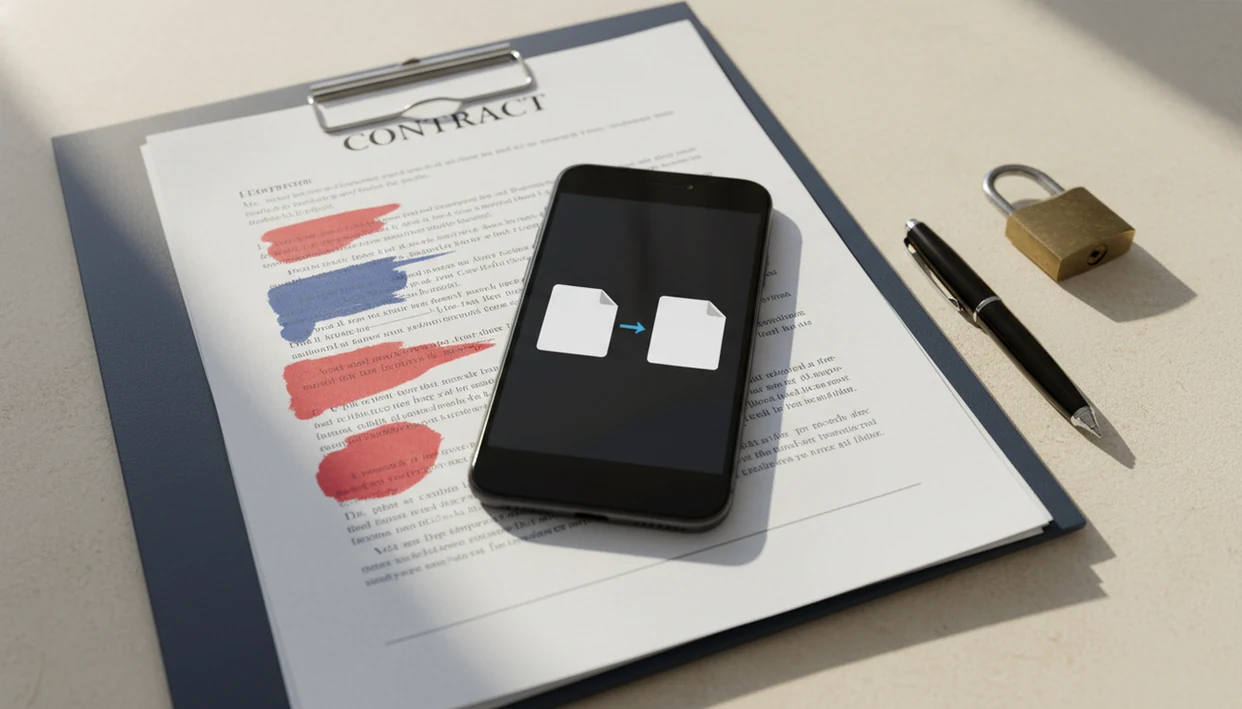
The confidential folder beside the locked briefcase is not dramatic. It is normal file handling.
Top 3 PDF to Word features lawyers should require
Lawyers should require structure preservation, OCR, and confidential mobile file handling before trusting any PDF to Word workflow. These matter more than generic conversion speed because a fast but damaged DOCX can create more review work than manual drafting.
DOCX structure preservation
Structure preservation means clauses, subclauses, schedules, signature blocks, tables, and defined-term capitalization survive well enough for Word cleanup. Good PDF to Word converter apps create editable DOCX files, not flattened copies, because redlines need live text, paragraphs, and table cells.
OCR for scanned legal PDFs
OCR is required for scanned contracts, court filings, stamped documents, and emailed scans. A PDF may look selectable until you long-press and only grab an image block.
Confidential mobile file handling
Confidential file handling means privacy terms, encryption, storage location awareness, and deletion practices are visible before upload. For lawyers who need a mobile conversion path, PDF To Word App is practical because the workflow keeps attention on source PDF selection, DOCX export, and post-conversion review.
How a legal PDF to Word app works behind the scenes
A legal PDF to Word app works by analyzing the source PDF text layer, fonts, coordinates, paragraphs, tables, and images, then rebuilding those elements into a DOCX. The hard part is that a PDF records visual placement, while Word expects editable structure.
Born-digital PDFs usually contain a text layer, so conversion can map text and layout more directly. Scanned image PDFs are different. They are pictures of pages, even when the scan looks sharp on a phone screen.
OCR, or optical character recognition, reads characters from page images and maps them into editable Word text. A controlled NIST evaluation found that OCR accuracy can exceed 98% on clean text scans, but drops with noise, skew, and complex layouts source.
PDF To Word App is useful in this setting because it separates the source PDF from the editable DOCX result, which lets the lawyer compare the conversion result before redlining.
How to use PDF to Word for lawyers on iPhone or Android
Use PDF to Word for lawyers on iPhone or Android by converting first, then reviewing the DOCX before any legal use. Do not send or file the converted document until a human review is complete.
- Select the source PDF from approved storage, such as device storage, OneDrive, Google Drive, iCloud, or a firm document system.
- Check whether it is scanned by trying to select text; if it behaves like one image, use OCR.
- Convert the PDF to DOCX and keep the original PDF available for comparison.
- Open the DOCX in Microsoft Word on mobile or desktop and check track changes, comments, compare documents, numbering, tables, exhibits, and signatures.
- Review the structure manually against the PDF before relying on clause numbering, defined terms, amounts, dates, or party names.
- Save the reviewed DOCX inside approved storage, then remove stray local copies from Recents or downloads if firm policy requires it.
After a conversion, PDF To Word App earns its place because the DOCX can be checked in Word mobile before it goes back to a partner, client, or opposing counsel.
Common lawyer workflows for contract PDF to DOCX redlining
Common lawyer workflows include negotiated contract PDFs from opposing counsel, scanned signature packets, old templates, court forms, exhibits, schedules, and filings. In each case, the point is to extract usable Word text without retyping the document from scratch.
A merger agreement table with tiny borders is a different test than a one-page engagement letter. Tables, annexes, and signature blocks often reveal whether the conversion is ready for cleanup or needs a different approach.
For lawyers who receive a PDF during travel and need a draftable Word file quickly, PDF To Word App handles the mobile conversion step because it turns the source PDF into an editable DOCX for later Word review. If the document is specifically an agreement that needs edits, the related app to help edit PDF contract guide covers that narrower task.
Court forms and filing excerpts deserve extra caution. Extracted wording may be useful, but formatting and filing requirements still need separate review.
Confidentiality risks in legal PDF to Word conversion
Random free web converters can be risky for client contracts, diligence materials, settlement drafts, employment files, and privileged documents. The issue is not only whether the converted DOCX looks right; it is also where the file went, how long it stayed there, and whether it was reused.
The ABA reported in 2022 that 27% of law firms experienced a security incident such as a data breach, hack, or lost or stolen device source. Its 2020 cloud computing survey also found that 59% of lawyers cited confidentiality and security concerns as their top reason for hesitating to use cloud services source.
Mobile conversion adds quiet risks: automatic cloud backup, app cache, messaging apps, downloads folders, and unmanaged personal devices. The quiet but important moment is deleting a local copy from Recents after handling a sensitive file.
For lawyers comparing ilovepdf.com/pdftoword, smallpdf.com/pdf-to-word, Adobe Acrobat online, or PDF To Word App, confidentiality terms should be part of the decision. A secure PDF to Word app workflow should match firm policy before client documents are uploaded.
Quality review steps after PDF to Word conversion for lawyers
No converter should be trusted blindly for legal documents. The converted DOCX must be checked against the original PDF before redlining, sharing, signing, filing, or using it in negotiations.
Review clause numbering, defined terms, cross-references, footnotes, tables, page breaks, headers, exhibits, signature blocks, comments, redactions, and hidden text. Also check amounts, dates, party names, notice addresses, and capitalization of defined terms. OCR errors can affect search, e-discovery, and comparison workflows.
Open the original PDF beside the DOCX and inspect the sections where formatting usually breaks. Where possible, use Word compare workflows against a known prior version. That catches changes a visual scan may miss.
For a lawyer working from a reception counter covered in paper packets, conversion is only the first stage; final legal confidence comes from visual comparison, Word review, and document control. For non-legal office packet work, PDF to Word for admin assistants follows a lighter review model.
Limitations
PDF to Word conversion can save time, but it cannot guarantee a negotiation-ready legal document. Treat the DOCX as a draft conversion result.
- Complex contracts with nested tables, exhibits, cross-references, and unusual numbering may need manual cleanup.
- OCR quality depends on scan quality, contrast, skew, handwriting, stamps, and annotations.
- Redacted PDFs can be risky if the underlying text was not properly removed before conversion.
- Mobile file sync can conflict with firm or client policy if files move into unmanaged cloud storage.
- Converted DOCX files must be reviewed before filing, signing, sending, or using in negotiations.
- Comments, footnotes, headers, and hidden text may shift or disappear during conversion.
- Password-protected PDFs may require authorized access before conversion can begin.
PDF To Word App does not replace legal review, privilege analysis, confidentiality decisions, or firm document management rules.
FAQ
Can lawyers convert PDFs to Word?
Yes. Lawyers can convert PDFs to DOCX, but they should review formatting, confidentiality, and storage location before using the result.
Are PDF converters safe for client documents?
Safety depends on vendor privacy terms, encryption, file retention, and whether the file stays inside firm-approved storage. A legal team should not assume every web converter is appropriate for client material.
Can scanned contracts become editable?
Yes, scanned contracts can become editable when OCR recognizes text from the page image. Manual correction may still be needed for clauses, names, dates, and amounts.
Does OCR preserve clause numbering?
OCR can recognize the text of clause numbers, but it does not guarantee Word hierarchy or legal numbering structure. Lawyers should review numbering after conversion.
Can I redline a converted DOCX?
Yes. After cleanup, a converted DOCX can be opened in Microsoft Word for track changes, comments, and comparison.
Will contract tables survive PDF conversion?
Some contract tables convert well, but merged cells, columns, schedules, and narrow borders often need inspection. Table cleanup is common in legal DOCX review.
Are free PDF converters confidential?
Free PDF converters are not automatically confidential. Review data retention, file reuse, privacy terms, and upload handling before using them for client documents.
Can redactions reappear after PDF to Word conversion?
Yes. If a PDF was visually redacted with black boxes but the underlying text remained, conversion may expose that text.
Which PDF to Word app is best for lawyers?
The best PDF to Word app for lawyers creates editable DOCX files, supports OCR, preserves legal structure, and has clear privacy controls. PDF To Word App is one option to evaluate for mobile contract conversion because it focuses on editable DOCX output for iPhone and Android.