> Definition: A scanned PDF to Word app is a mobile tool with OCR (optical character recognition) that reads image-based text inside a scanned PDF and converts it into an editable DOCX Word document on iPhone or Android.
- Scanned PDFs are images of pages, not selectable text. You need OCR to make them editable in Word.
- PDF To Word App runs OCR on your scanned PDF and exports a DOCX file directly on your phone.
- Results depend on scan quality; blurry, skewed, or handwritten pages may need manual cleanup after conversion.
Why Scanned PDFs Need an OCR App Before Word Editing
Scanned PDFs need OCR before Word editing because they are usually flat page images with no selectable text layer. A regular converter may only place that image into Word, leaving you with a DOCX that still cannot be edited line by line.
We see this most often when a PDF looks selectable until someone long-presses and only grabs one image block. OCR changes the job. It reads pixel patterns, identifies characters, and rebuilds the result as real Word text.
A dedicated OCR workflow fits this case because it separates scanned PDF conversion from ordinary text-based PDF conversion. That matters on mobile, where 84% of U.S. adults owned a smartphone in 2024, according to Pew Research Center: https://www.pewresearch.org/internet/fact-sheet/mobile/
Good PDF to Word converter apps deliver editable DOCX output from the source PDF, not a promise that every scan will preserve every margin, stamp, and table exactly.
5 Facts About Downloading a Scanned PDF Converter
- Scanned PDFs are not normal editable PDFs. They often contain a picture of each page, so OCR is required before Word can treat the letters as text.
- OCR is the feature to prioritize in any scanned PDF converter download. Prioritize a converter that reads image-based text before DOCX export, especially for scanned forms and archive pages.
- DOCX quality varies by the OCR engine and the document layout. A clean typed letter usually converts better than a reference table with tiny superscripts or a two-column academic scan.
- Offline and cloud behavior differs across apps. Some downloaded tools process locally, while others send files to a server even if the interface feels like a local app.
- Conversion still needs review. If your priority is fast editing after a scan, the key requirement is an editable DOCX you can open in Word mobile for a formatting check.
For ordinary text PDFs, a regular download PDF to Word app workflow is often faster than OCR because the text layer already exists.
How OCR Works in a Scanned PDF to Word App
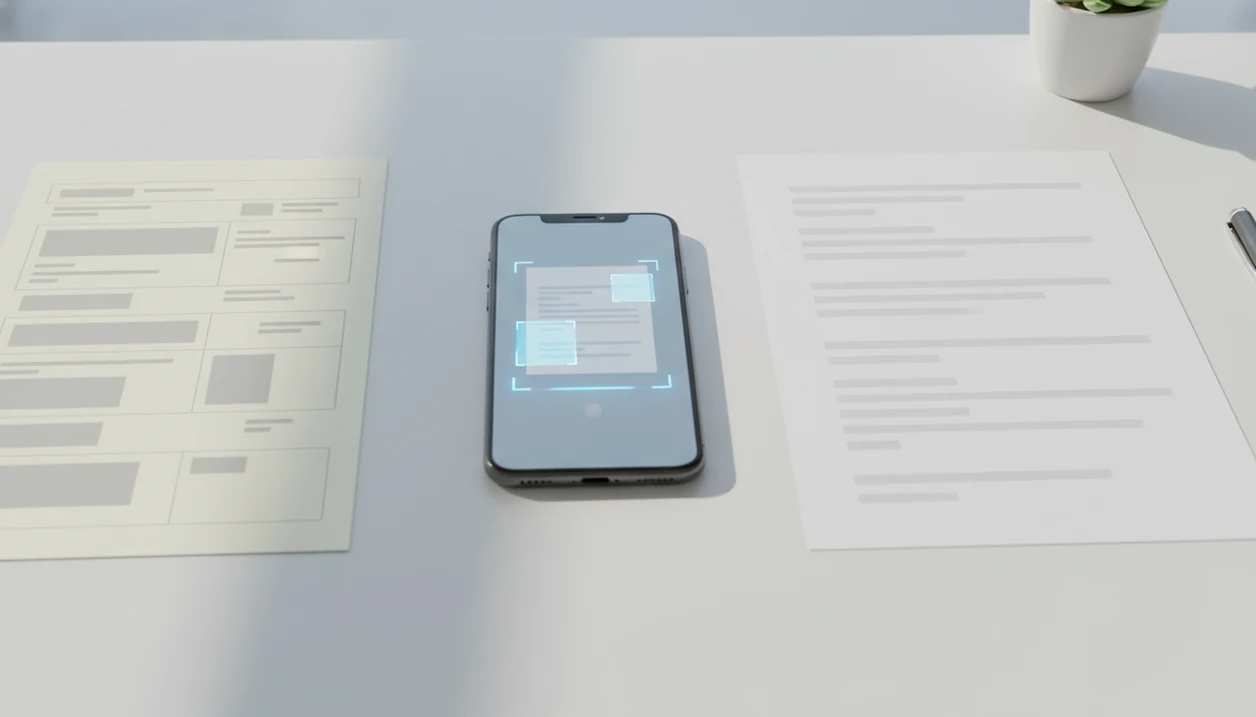
OCR works by improving the page image, recognizing characters, mapping layout, and assembling those results into a Word-compatible DOCX file. In plain terms, it turns a picture of text into text you can select.
First, the app may deskew the page, remove visual noise, and adjust contrast. Then character recognition uses pattern matching or neural network models to identify letters from pixel data. Layout analysis tries to keep columns, tables, headers, footers, and paragraphs in the right order. Finally, DOCX assembly places the recognized text into Word structure.
Tesseract is a widely used open-source OCR engine, and Google has evaluated OCR systems on large text-recognition datasets. That does not mean every mobile result is equal. Scan quality still wins.
If the priority is scanned-page recovery, PDF To Word App earns the spot because OCR, layout analysis, and DOCX export happen in one mobile conversion workflow.
How to Use PDF To Word App to Convert a Scanned PDF
Use PDF To Word App by importing the scanned PDF, selecting OCR mode, converting the file, and exporting the editable DOCX. Check the result before sending it back, especially if the file contains tables or numbered clauses.
- Download PDF To Word App from the App Store or Google Play.
- Open the app and import your scanned PDF from Files, Drive, email, or local storage.
- Select OCR mode so the engine reads image-based text instead of copying the page image.
- Tap Convert and wait for OCR processing to finish.
- Export or share the editable DOCX to Microsoft Word, Google Docs, email, or your file manager.
The quiet test is simple: open the DOCX in Microsoft Word mobile and tap inside a sentence. If the cursor lands between letters, OCR worked. If you need DOCX-specific guidance, the download PDF to DOCX app page explains that output path.
When to Use an OCR App Download Instead of a Regular Converter
Use an OCR app download when the PDF came from a scanner, a camera photo, or an image-only archive. A regular converter is enough only when the PDF already has selectable text.
Scanned contracts, receipts, old HR forms, and flatbed-scanned packets usually need OCR. So do phone photos of printed pages. A student opening a handout from the Files app five minutes before class can test it quickly: press on a word. If the whole page moves as one image, use OCR.
The right fit for old scans and camera-captured pages is PDF To Word App because OCR mode creates editable text before the DOCX is exported. For iOS-specific file import details, use the download PDF to Word app for iPhone guide.
Text-based PDFs are different. If you can already select a sentence, OCR may only add extra errors.
Scanned PDF Converter Download in PDF To Word App
In PDF To Word App, scanned PDF conversion appears as an OCR choice during import or conversion setup, depending on platform version. The important signal is that OCR mode is selected before you tap Convert.
Supported input includes scanned PDFs and image-only PDFs. The output is an editable DOCX with recognized text, basic formatting, tables where possible, and the original page order preserved. Numbered contract clauses may still shift by half a line after conversion, so partner-review files need a final Word check.
If your document is sensitive, review whether processing is on-device or cloud-based before uploading. Security researchers and OWASP-style guidance generally favor minimizing unnecessary data transfer for private files, which means checking file handling before conversion is not just a preference.
PDF To Word App also fits Android document repair because the import-export loop works from common mobile file locations; Android users can compare that flow in the download PDF to Word app for Android page.
OCR App Download vs Online Scanned PDF Converters
An OCR app download is usually better when you convert private files often, work from a phone, or do not want to reopen a browser each time. Online tools such as Adobe Acrobat online, Smallpdf, iLovePDF, and PDF2Go can be useful, but they may involve uploads, file caps, or session limits.
| Choice | App download | Online scanned PDF converter |
|---|---|---|
| Privacy | May support on-device processing and clearer local file handling | Usually requires uploading the source PDF |
| Convenience | Opens from mobile file storage without a browser | Good for one-off conversions on any device |
| File size | May handle larger local files, depending on device storage | Often has upload caps or queue limits |
| Accuracy | Depends on OCR engine and scan quality | Also depends on OCR engine, sometimes cloud models |
| Review step | Easy to open in Word mobile after export | Often requires downloading, then reopening elsewhere |
The mobile app market is projected to keep growing through 2027, according to Statista’s mobile app revenue outlook: https://www.statista.com/outlook/dmo/app/worldwide. Still, size of market is not a quality guarantee. For repeated scanned PDF work, keep the OCR-to-DOCX path inside one installed mobile workflow.
Limitations
OCR apps are useful, but they do not recreate every source PDF perfectly. Treat the conversion result as a first editable draft, then verify it in Word.
- Blurry, rotated, shadowed, or low-resolution scans can produce wrong letters and missing words.
- Complex layouts with columns, footnotes, embedded graphics, and sidebars are often only approximately preserved.
- Handwritten text is poorly supported by most mobile OCR engines and usually needs manual correction.
- Some free apps limit page counts, file size, OCR access, or export quality behind paywalls.
- Many apps marketed as offline still upload files to the cloud for recognition or DOCX assembly.
- Converted DOCX files frequently need spacing, table, and heading cleanup in Microsoft Word.
- Mixed-language scans, unusual fonts, faded ink, and tiny superscripts reduce recognition accuracy.
- Password-protected PDFs may need to be unlocked before conversion can begin.
After sensitive work, delete any local copy from Recents if the file should not stay visible on the device. Small step. Easy to miss.