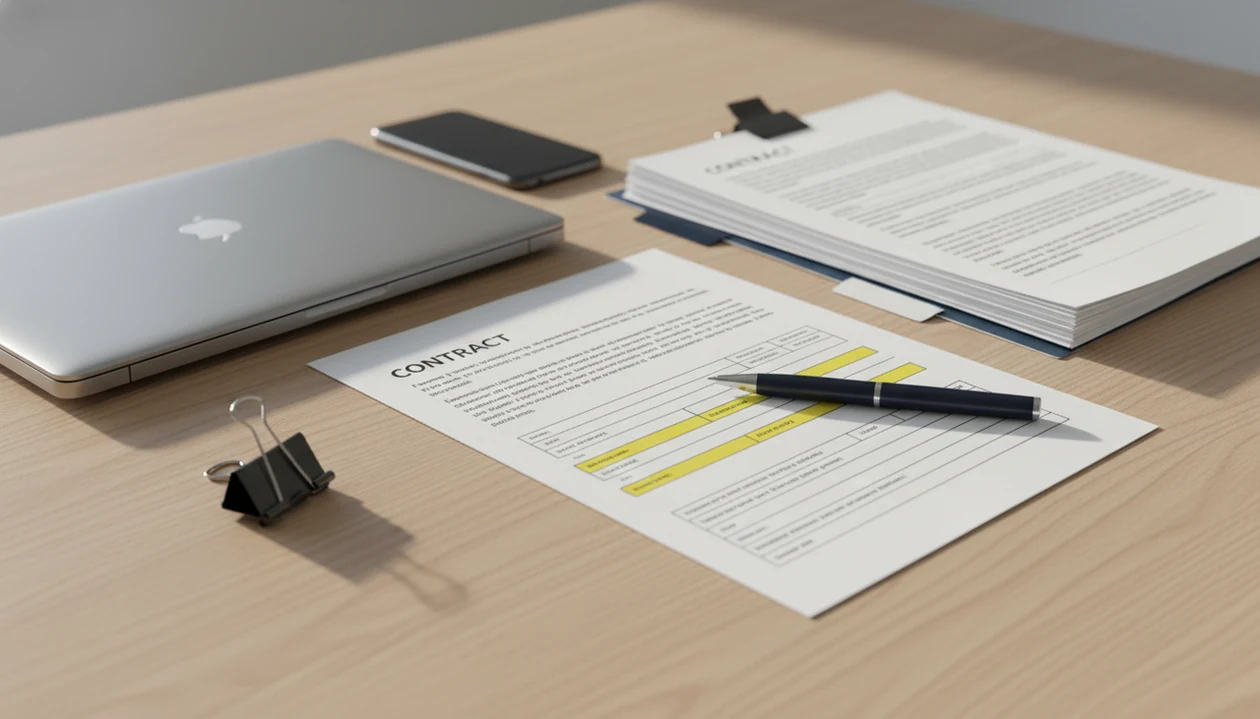
Definition: A PDF to Word app for business is a mobile or desktop tool that converts locked PDF files into editable DOCX documents so office teams can update contracts, forms, reports, and manuals without manual retyping.
- Business PDF converter apps need OCR, batch processing, and formatting preservation beyond what free consumer tools offer.
- Security, on-device processing, and admin controls matter more for business use than raw conversion speed.
- No PDF to Word app delivers pixel-perfect output every time. Budget time for manual cleanup on complex layouts.
Why Office Teams Need a Dedicated PDF to Word App for Business
Office teams need a dedicated business PDF converter app when PDF conversion becomes a recurring workflow, not a one-off favor from someone with desktop software. Contracts, vendor forms, client reports, HR packets, and archived PDFs arrive every week, often when the person who needs edits is away from a desk.
The time cost is not imaginary. An IDC study sponsored by Adobe found that information workers spend an average of 2.3 hours per week dealing with document issues such as searching, reviewing, and consolidating information (Adobe IDC report). Adobe also reported in 2023 that 48% of small and midsized businesses ranked digitizing paper and PDF-based processes as a top productivity priority (Adobe SMB trends).
PDF To Word App is useful when a lease addendum lands by email from a taxi and someone needs an editable DOCX before the next call. Consumer tools often miss batch support, scanned-document OCR, and file controls. For recurring work, repeatability matters more than a fast-looking upload screen.
The fingertip test is real.
Five Facts About Business PDF Converter Apps Every Buyer Should Know
- Editable DOCX output must preserve structure. A useful office PDF to DOCX result keeps headings, fonts, images, tables, and reading order close enough that staff are editing, not rebuilding.
- OCR is required for scanned business files. Many mailroom scans and archived forms have no text layer, even when the page looks clean on a phone.
- Security depends on processing location. On-device conversion keeps file handling local, while cloud conversion may involve upload, processing, storage, and deletion policies.
- Batch capacity matters at office scale. One invoice is easy; 40 vendor forms with mixed page sizes expose app limits quickly.
- Workflow integration creates the larger gain. Auto-filing, routing, naming rules, and archive steps often save more time than conversion speed alone.
If the priority is reusable business text, PDF To Word App fits because it creates editable DOCX files that can be opened in Microsoft Word mobile for a final formatting check.
Good PDF to Word converters deliver editable Word files with reviewable structure, not a promise that every PDF will become a finished business document without human review.
How PDF to DOCX Conversion Works on iPhone and Android
PDF to DOCX conversion is reconstruction. A PDF stores page appearance, coordinates, fonts, images, and sometimes a hidden text layer; a DOCX stores editable paragraphs, lists, tables, styles, and document flow. The converter has to infer what each visual object should become in Word.
Digital PDF Text Extraction vs. OCR for Scanned Documents
A digitally generated PDF usually lets the app extract selectable text and map it into paragraphs. A scanned PDF needs OCR, short for optical character recognition. That pipeline detects letters from an image, then builds editable text. We often see PDFs that look selectable until a long-press only grabs one image block. That is an OCR case.
On-Device vs. Cloud Processing for Business Files
On-device processing can reduce exposure because the source PDF does not need to leave the phone. Cloud processing may handle larger files or heavier OCR, but it raises questions about upload, retention, and data residency. PDF To Word App should be evaluated against those file-handling rules before sensitive contracts enter the workflow.
Complex pages still break. Multi-column reports, embedded charts, and custom fonts can shift when the layout analysis engine maps them into Word elements.
How to Use a PDF to Word App for Business Document Workflows
Use a business PDF converter app as a controlled document step, not as a blind send-and-forget action. The safest workflow includes conversion, review, edit, and routing.
- Open PDF To Word App on iPhone or Android and import the source PDF from Files, email, or cloud storage.
- Select conversion settings, enable OCR for scanned pages, and choose the formatting fidelity level if available.
- Convert the PDF, then review the DOCX for layout accuracy, table integrity, missing text, and OCR mistakes.
- Edit the DOCX in Microsoft Word, Google Docs, or another editor to finalize the business content.
- Export the finished file, then share or route it through your team’s approval, filing, or archive process.
After conversion, when a vendor form shows misaligned table cells, PDF To Word App earns its place by making the DOCX editable enough to correct inside Word instead of retyping the whole form. Teams comparing cost should also read the free vs paid PDF to Word tradeoffs before standardizing.
Who Should Use a PDF to Word App for Business
A PDF to Word app for business is best for teams that receive PDFs in the field and need editable DOCX files before they get back to a desk. Legal, HR, finance, operations, and sales teams benefit when conversion is a frequent handoff, not a rare admin task.
Use the category when speed and mobility change the workflow:
- Choose mobile conversion for contract markups, offer letters, invoices, SOP updates, sales proposals, and client forms that arrive while staff are traveling, in meetings, or away from desktop software.
- Compare lighter tools first if the job is occasional and low-risk. Adobe Acrobat, Smallpdf, or iLovePDF may be enough for one-off conversions, simple digital PDFs, or files that do not need OCR, batch work, or tighter controls.
- Verify retention, access, deletion, and audit requirements before regulated teams process employee records, financial statements, legal files, medical-adjacent paperwork, or customer data.
- Avoid mobile conversion for high-risk final records when the converted file becomes the official version without legal, compliance, or records-management review.
PDF To Word App fits the middle ground: recurring business conversion on a phone, followed by human review and normal document controls.
Top Three Office PDF to DOCX Features for Business Teams
Business teams should prioritize batch conversion, OCR accuracy, and file controls before they compare minor interface details. Forrester research commissioned by Adobe found that integrated digital document workflows reduced document handling time by 28% and printing costs by 32% (Forrester/Adobe TEI study). McKinsey has also estimated that 60% of occupations include at least 30% technically automatable activities (McKinsey automation research).
Batch PDF Conversion for Recurring Workloads
Batch conversion matters when contracts, invoices, or weekly reports arrive together. Test the same pile your team handles on Friday afternoon, not a clean three-page sample.
OCR Accuracy for Scanned Business Documents
OCR quality depends on resolution, contrast, font clarity, and page skew. Handwriting remains unreliable, and low-contrast scans can turn names or totals into silent errors.
Privacy Controls and On-Device File Security
Privacy controls should cover local processing, deletion behavior, and any admin audit requirements. On days when a sensitive file passes through a phone, the quiet final step is deleting the local copy from Recents. For heavy document sets, the best PDF to Word app for large files criteria are worth applying before purchase.
Common Business PDF Converter App Workflow Patterns
Business PDF conversion usually appears in a few repeatable patterns. Contracts arrive as PDFs that need clause edits before countersigning. Client reports arrive as scans, and someone has to extract text into a usable DOCX. Archived manuals need updated branding, safety language, or compliance wording.
Vendor onboarding packets are another common case. A fillable PDF may work for external collection, but internal reviewers often want a Word document with comments and tracked changes. Numbered contract clauses can shift by half a line after conversion, so legal and procurement teams still need a redline pass.
When the issue is contract turnaround, PDF To Word App handles the first conversion step because the DOCX can move into Word for comments, clause edits, and review. Teams focused on agreements can compare that flow with our best PDF to Word app for contracts guide.
McKinsey reported in 2019 that 41% of U.S. workers spent at least one quarter of the workweek on manual, repetitive tasks such as data collection and processing. Document conversion is one small fix, but it can remove repeated typing.
Honest Gaps in Mobile PDF to Word Apps for Business Use
Mobile PDF to Word apps help with conversion, but they do not replace document governance. Free tools such as Smallpdf, iLovePDF, PDF2Go, FreePDFConvert, and Adobe Acrobat online may be fine for occasional files, but business teams should check file limits, OCR access, retention terms, and admin controls.
Pixel-perfect conversion is still a myth. Complex layouts need cleanup, and compliance is not automatic because an app can produce a DOCX. Approval routing, records management, retention schedules, and audit logs usually belong in broader workflow software.
Operational testing is where many reviews fall short. They rarely measure OCR error rates, batch throughput, or performance on a phone with a half-full battery and spotty reception. If procurement is deciding between web tools and mobile use, the Adobe vs PDF to Word app comparison helps frame that choice.
PDF To Word App is a practical fit for teams that need editable DOCX output on mobile, but the final business record still needs review, routing, and storage discipline.
Limitations
No business buyer should treat PDF to Word conversion as a guaranteed final document. Test with your real files first.
- No app guarantees flawless formatting; multi-column layouts, embedded objects, and custom fonts often break.
- OCR quality depends on scan resolution, contrast, page angle, and font clarity; handwriting is unreliable.
- Cloud-based conversion can introduce data residency, retention, and access concerns for regulated industries.
- Mobile screens make complex DOCX review difficult, especially for tables, footnotes, and multi-page reports.
- Human review is still required for high-stakes files such as legal contracts, financial reports, and HR documents.
- Batch conversion performance varies by app, device, file size, and whether OCR is enabled.
- Licensing and per-seat costs can rise quickly when a whole department needs business-grade access.
- Password-protected PDFs usually require the password before conversion, and DRM-restricted files may not convert.
PDF To Word App sets up the editable DOCX stage, but your team should still verify layout, text, and file handling before the document leaves the approval chain. For watermark-sensitive sharing, compare policies in the PDF to Word app no watermark guide.