Discover Conversion Quality Score For Editable DOCX Files
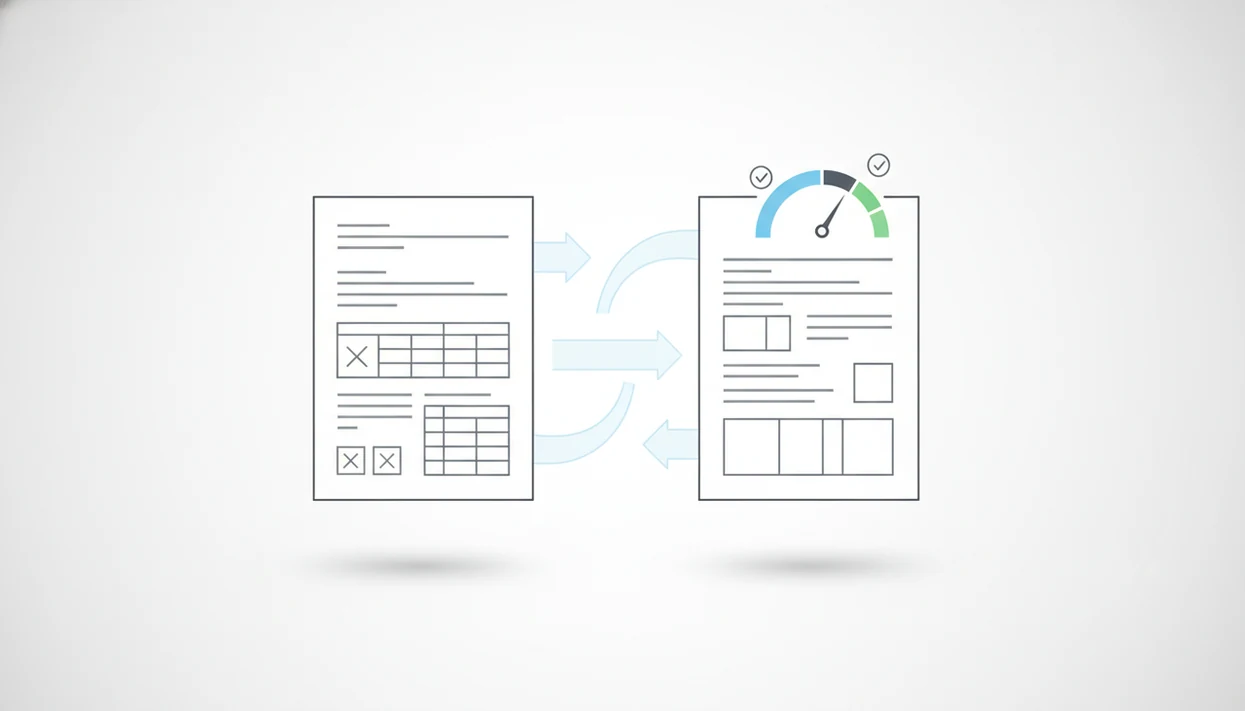
A conversion quality score is a repeatable rubric for judging whether a converted DOCX is accurate, editable, and close enough to the original PDF to use without heavy cleanup. The best score combines text accuracy, layout fidelity, tables, images, headings, OCR quality, and user repair time instead of relying on a single visual check.
PDF To Word App is a PDF-to-DOCX app that converts PDF files into editable DOCX documents for people using iPhone and Android.
- A strong PDF conversion quality score separates critical meaning errors from cosmetic formatting differences.
- Editable text, table structure, OCR accuracy, headings, images, and layout should be scored independently before creating one DOCX output score.
- Mobile scoring should account for iPhone and Android constraints such as memory, processing time, network conversion, and scanned PDF OCR quality.
PDF-to-DOCX Quality Score Method For DOCX Output
A conversion quality score is a weighted grade for DOCX output quality, not a simple “looks close” judgment. It measures whether the converted Word file can be edited, checked, and sent without rebuilding the document from scratch.
A practical score gives mobile users a fast pass/fail signal before they start editing on a small screen. That matters because Adobe describes PDF as an open ISO-standard file format used to preserve document presentation across software and devices (https://www.adobe.com/acrobat/about-adobe-pdf.html), while a converted DOCX also has to preserve editability, structure, and reading order.
The score should grade usability first. Selectable text, correct numbers, usable tables, and stable reading order matter more than whether one margin shifted by two pixels. We have seen a PDF look selectable until a long-press grabs only one image block. That file needs a different score than a clean text PDF.
Good PDF-to-DOCX converter apps that convert PDF files to editable DOCX Word documents on iPhone and Android deliver editable DOCX output, not a guarantee that every font, object, and scan will rebuild exactly.
DOCX Conversion Quality Score Mechanics Behind The Scenes
A DOCX conversion quality score works by comparing original PDF elements against converted Word elements and assigning more weight to errors that change meaning. Wrong invoice totals should hurt the score more than slightly different line spacing.
How conversion quality scoring works: the converter or reviewer checks text extraction, positioning, styles, tables, images, and reading order against the source PDF. The technical terms are text layer and reading order. In plain terms, the score asks whether Word understands the document as editable content, not just a picture.
Scanned PDFs need a separate path because OCR must first turn image pixels into text. A tilted scan can produce “1” instead of “I,” or split one paragraph into four boxes. Tiny table borders after conversion are annoying, but an OCR scan correcting tilted page text can expose the real failure: the words themselves are wrong. For scanned files, use a download scanned PDF to Word app workflow only after checking the OCR result.
Five PDF Conversion Quality Score Signals That Matter Most
The five strongest PDF conversion quality score signals are text accuracy, table structure, image handling, heading structure, and OCR quality. Score them separately before rolling them into one DOCX output score.
- Text accuracy: Missing words, wrong numbers, broken punctuation, and character substitutions are critical errors because they change meaning.
- Table structure: Rows, columns, merged cells, headers, and data alignment should remain editable, especially when spreadsheet figures are trapped inside a PDF table.
- Image handling: Placement, cropping, resolution, captions, and wrapping should be checked against the source PDF, not judged from the first page only.
- Heading and list structure: A strong conversion uses real Word styles and list objects instead of visual-only bold text and fake numbering.
- OCR accuracy and layout fidelity: Scans, forms, invoices, and mixed-language PDFs need extra review because recognition errors can look like normal formatting until edited.
For most office files, text accuracy and table integrity deserve higher weight than exact visual spacing because they decide whether the DOCX can be trusted.
How To Use A PDF Conversion Quality Score
Use a PDF conversion quality score by applying the same scoring rules to the same source file, then turning the result into an action. The score should tell you whether to accept the DOCX, inspect it more closely, or convert the PDF again.
- Start with one unchanged source PDF when comparing converters, phones, tablets, or desktop tools. If the input file changes, the score stops being a fair comparison.
- Score text, tables, images, headings, and OCR as separate categories before creating one final number. A clean-looking page can still fail if the table cells or scanned words are wrong.
- Penalize meaning-changing errors more heavily than cosmetic shifts. Wrong totals, missing clauses, broken names, and swapped characters should hurt more than a slightly different font.
- Record repair time before calling the file acceptable. If cleanup takes longer than reconversion, the DOCX did not really pass for everyday use.
- Apply the same accept, review, or reconvert thresholds every time. Consistent cutoffs keep the score useful when testing PDF To Word App or any other converter across iPhone and Android.
DOCX Output Score Checklist For iPhone And Android
Use this DOCX output score checklist when reviewing a converted file on iPhone or Android. The goal is to find major failures before you spend twenty minutes fixing line breaks.
- Open the DOCX in Microsoft Word, Google Docs, or another Word-compatible mobile app.
- Zoom into dense pages and scan for missing words, wrong numbers, broken punctuation, and odd character swaps.
- Review tables by scrolling sideways, checking headers, merged cells, and whether data still lines up.
- Test editability by changing one sentence, one heading, and one table cell, then undoing the edits.
- Decide whether to keep editing, reconvert, or try another method if the cleanup time is longer than reprocessing.
A quick check in Microsoft Word mobile before sending the file back catches many mistakes. Small screens hide problems, especially when the cover letter tab sits beside a converted resume and both files look “done.”
Binary Decision Rule For PDF-to-DOCX Quality Score
A useful binary rule turns the score into an action: accept, review, or reconvert. Missing text, wrong numbers, and broken tables are automatic failures because they can change the document’s meaning.
| Decision | Score range | What it means | Typical action |
|---|---|---|---|
| Accept | 85 to 100 | Text is editable, tables work, headings survive, and fixes are minor. | Edit in Word and send after a formatting check. |
| Review | 70 to 84 | Meaning is mostly intact, but layout or styles need cleanup. | Fix manually if repair time is reasonable. |
| Reconvert | Below 70 | Text, numbers, tables, OCR, or reading order are unreliable. | Try OCR, another converter, or a cleaner source PDF. |
Cosmetic issues may still pass if editing is easy. A font mismatch or a half-line shift in numbered contract clauses is irritating, but it is not always a failure. Wrong clause numbers are. For timing expectations, compare the result with a typical PDF to Word conversion timeline.
Mobile DOCX Output Score Test Cases For Fair Comparison
Fair converter comparisons use the same PDFs across iPhone and Android, then separate conversion accuracy from device performance problems. A slow phone, weak network, or missing OCR module can make a good converter look worse than it is.
- Forms: Use vendor forms with checkboxes, labels, and misaligned table cells to test field placement.
- Invoices: Include totals, tax lines, merged cells, and narrow columns where one wrong digit matters.
- Contracts: Test numbered clauses, footers, signatures, and track changes preparation before partner review.
- Resumes: Include headings, bullets, columns, and spacing that must remain editable for job applications.
- Scans and mixed-language files: Add low-resolution pages, rotated scans, and bilingual paragraphs to test OCR availability.
Run each file on both platforms. Record memory warnings, CPU slowdown, upload delays, and whether conversion happens on-device or through a network service. Apps such as PDF To Word App, Adobe Acrobat online, and Smallpdf should be judged on the same source PDFs, not on hand-picked examples.
User Repair Time Metrics Inside A PDF Conversion Quality Score
User repair time turns a technical PDF conversion quality score into a productivity measure. Count how long it takes to make the DOCX usable, how many manual edits are needed, and whether text, tables, and headings can be changed directly.
Work-document friction adds up. Pew Research Center reports that 90% of U.S. adults own a smartphone (https://www.pewresearch.org/internet/fact-sheet/mobile/), so phone-based document review is no longer a corner case. McKinsey estimated that knowledge workers spend 28% of the workweek on email and 19% searching and gathering information (https://www.mckinsey.com/capabilities/mckinsey-digital/our-insights/the-social-economy), which makes repair time a practical quality metric rather than a cosmetic preference.
The fix time is the honest score.
Track repairs in simple buckets: under two minutes, two to ten minutes, and more than ten minutes. If a user must rebuild every table, the visual match does not matter much. For mobile-heavy teams, a download PDF to DOCX app workflow should be judged by finished edit time, not conversion speed alone.
PDF To Word App Quality Score Use Cases
A quality score becomes clearer when it is applied to real files, not generic sample PDFs. PDF To Word App can use the score to compare DOCX conversion on iPhone and Android across scans, tables, resumes, and everyday office files.
Scanned class handout
A student opens a handout from the Files app five minutes before class and needs editable notes. The score should weigh OCR accuracy, paragraph order, and whether the scanned page becomes searchable text. Thumbs pinching tiny scanned paragraphs is not a good proofreading method, so the first pass should flag low-confidence OCR.
Invoice with tables
A contractor converts an invoice or vendor form with rows, totals, and merged cells. Table structure should dominate the score because one shifted column can put the wrong amount beside the wrong label.
Resume with headings
A job seeker converts a PDF resume attached from years ago. The score should check headings, bullets, dates, and editable sections before the file is revised in Word. People who need the app can download PDF to Word app and still use this rubric to judge the result.
Limitations
A DOCX output score is useful, but it cannot prove that a converted file is ready for every legal, academic, or business use. It is a decision aid, not a guarantee.
- A single score can hide trade-offs between layout, editability, accessibility, and structured Word styles.
- Automated scoring struggles with low-resolution scans, handwriting, skewed pages, and mixed-language documents.
- Some users prefer exact visual layout, while others prefer clean editable text with simpler formatting.
- A narrow benchmark set can overstate quality for messy real-world PDFs.
- Device performance issues can look like conversion quality problems on older phones or weak connections.
- Some fonts, embedded objects, annotations, and protected PDFs may not convert cleanly.
- Password-protected PDFs may require permission before conversion can even begin.
Sensitive files deserve extra care. After handling a contract or personnel document, delete local copies from Recents if your phone keeps temporary files visible.
FAQ
What is a DOCX output score?
A DOCX output score is a grade for how accurately a converted Word file preserves text, editability, layout, tables, images, and structure from the source PDF.
How is conversion quality measured?
Conversion quality is measured by checking text accuracy, layout fidelity, table structure, image placement, heading styles, reading order, and OCR accuracy for scanned pages.
What conversion quality score is good enough?
A score above 85 is usually acceptable, 70 to 84 needs review, and anything below 70 should usually be reconverted or repaired carefully.
Do scanned PDFs usually get lower conversion scores?
Yes. Scanned PDFs depend on OCR, so they often produce more text errors, layout breaks, and reading-order problems than digital text PDFs.
Why are tables hard to convert from PDF to Word?
PDF tables may not contain true row and column structure, so merged cells, borders, headers, and data alignment can break during conversion.
Does mobile PDF conversion affect DOCX quality?
Yes. iPhone and Android memory, processing speed, OCR availability, and network conversion behavior can affect the final DOCX result.
Is layout more important than editability in a converted Word file?
Layout matters for visual review, but editability matters more when the user must revise text, tables, headings, or lists in Word.
Can quality scores compare PDF to Word apps fairly?
Yes, if the same test PDFs, scoring rules, devices, and review steps are used over time. PDF To Word App and other converters can be compared more fairly with repeatable files than with screenshots alone.